
A simple system for saving money on groceries
Most grocery overspending happens before you reach the checkout. Here's how your pantry, your meal plan, and your shopping list can work together to cut it.
Nov 17, 2026 · 4 min read
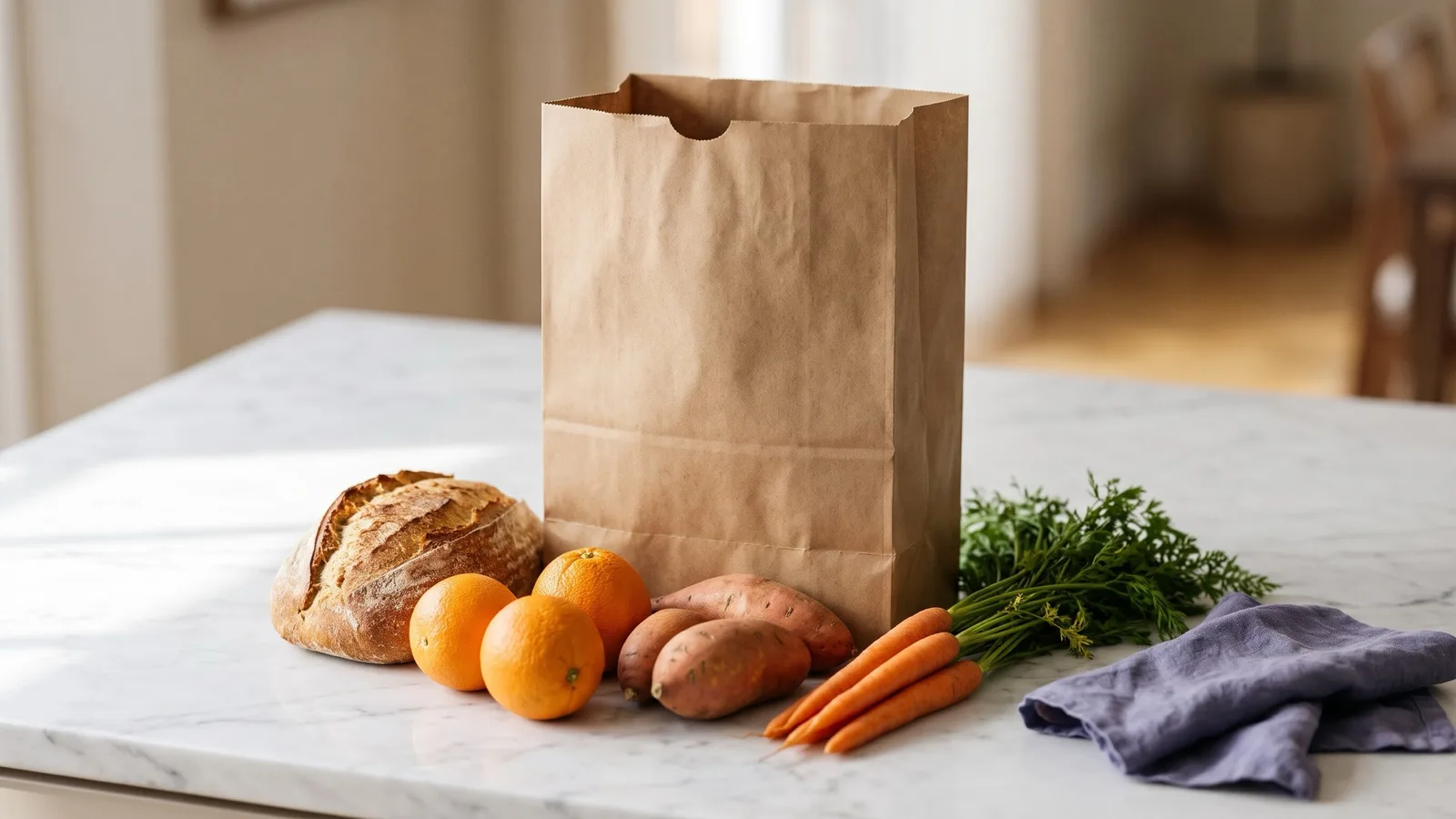
Grocery bills have a way of creeping up, even when you buy the same things every week. Most of the overspending happens before you reach the checkout: a second jar of something you already had, a bunch of herbs bought for one recipe, a pack of chicken that spoiled before you cooked it.
If you want to save money on groceries, clipping more coupons will not fix those issues. What fixes them is connecting what you buy, what you own, and what you cook, so each one informs the next.
Where does your grocery money go?
Before you change anything, it helps to see the leaks. Most of them come from the same gap: what you buy does not know about what you already have.
| Leak | What it looks like | What fixes it |
|---|---|---|
| Buying what you have | A third bottle of soy sauce in the cupboard | A pantry you can check |
| Single-use ingredients | Fresh dill bought for one salmon dinner | Meals that share ingredients |
| Unplanned trips | A quick run for milk that fills a basket | A list built from your plan |
| Food that spoils | Spinach gone soft at the back of the fridge | Cooking what expires first |
| Not knowing your spend | A vague sense that the bill went up | Tracking each trip |
The fixes work best together, so the rest of this guide follows one week of grocery money from start to finish.
Start with what you already own
The simplest way to lower your grocery bill is to use the food sitting right in front of you. But if you forget about the rice hiding in the cupboard, you will inevitably buy more.
IngrediPal does the remembering for you. Just scan your grocery receipt and those items instantly populate your pantry. You can also scan a product or your whole kitchen to build your initial list. We explore this strategy fully in our guide to meal planning with what you have.
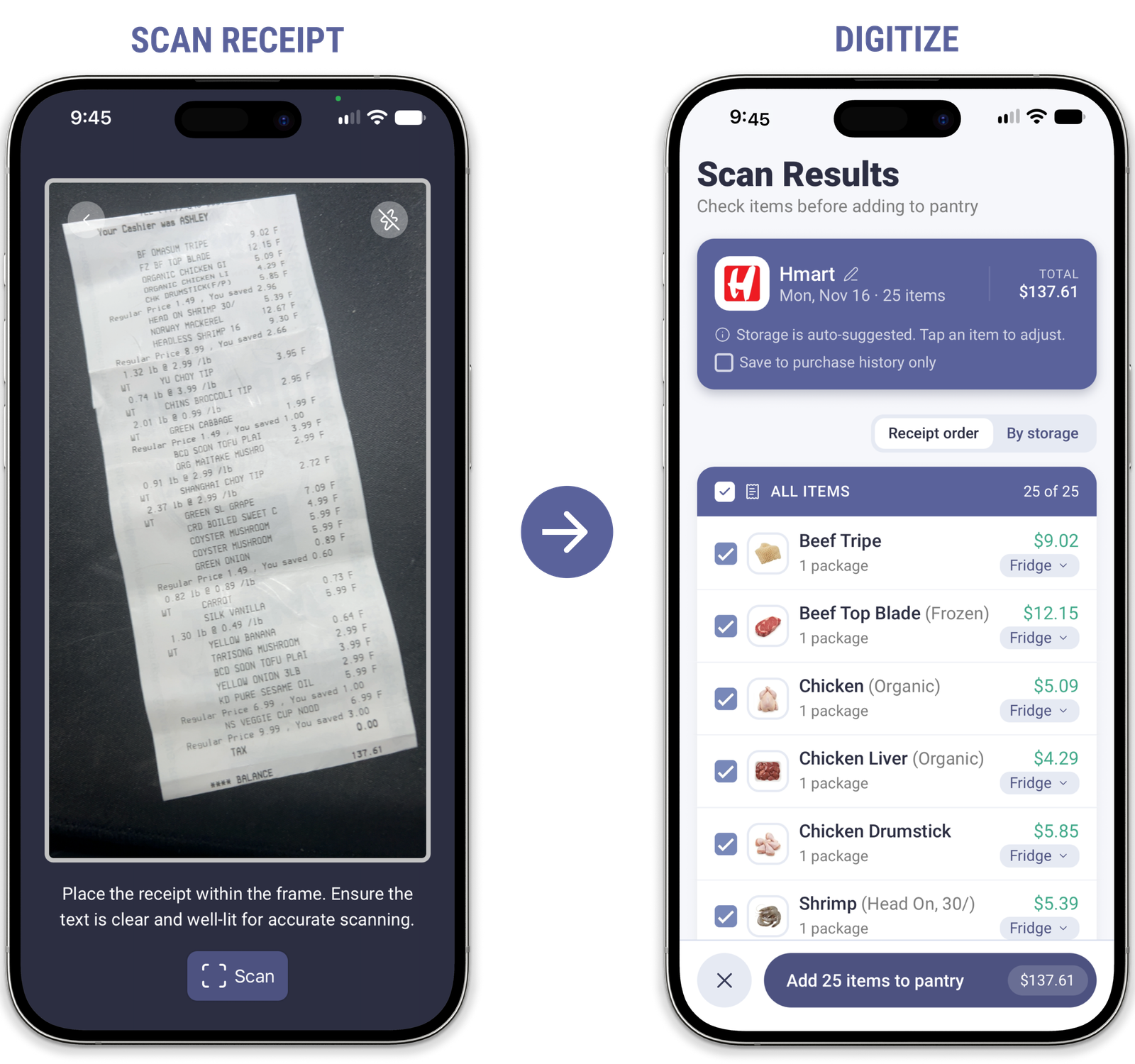
With an accurate pantry, your meal plan instantly becomes cheaper.
Plan meals that share ingredients
The cheapest meal plan is not always the one with the cheapest recipes. It is the one where ingredients carry over, so the cilantro you buy for Tuesday tacos also finishes Thursday rice instead of wilting in the drawer.
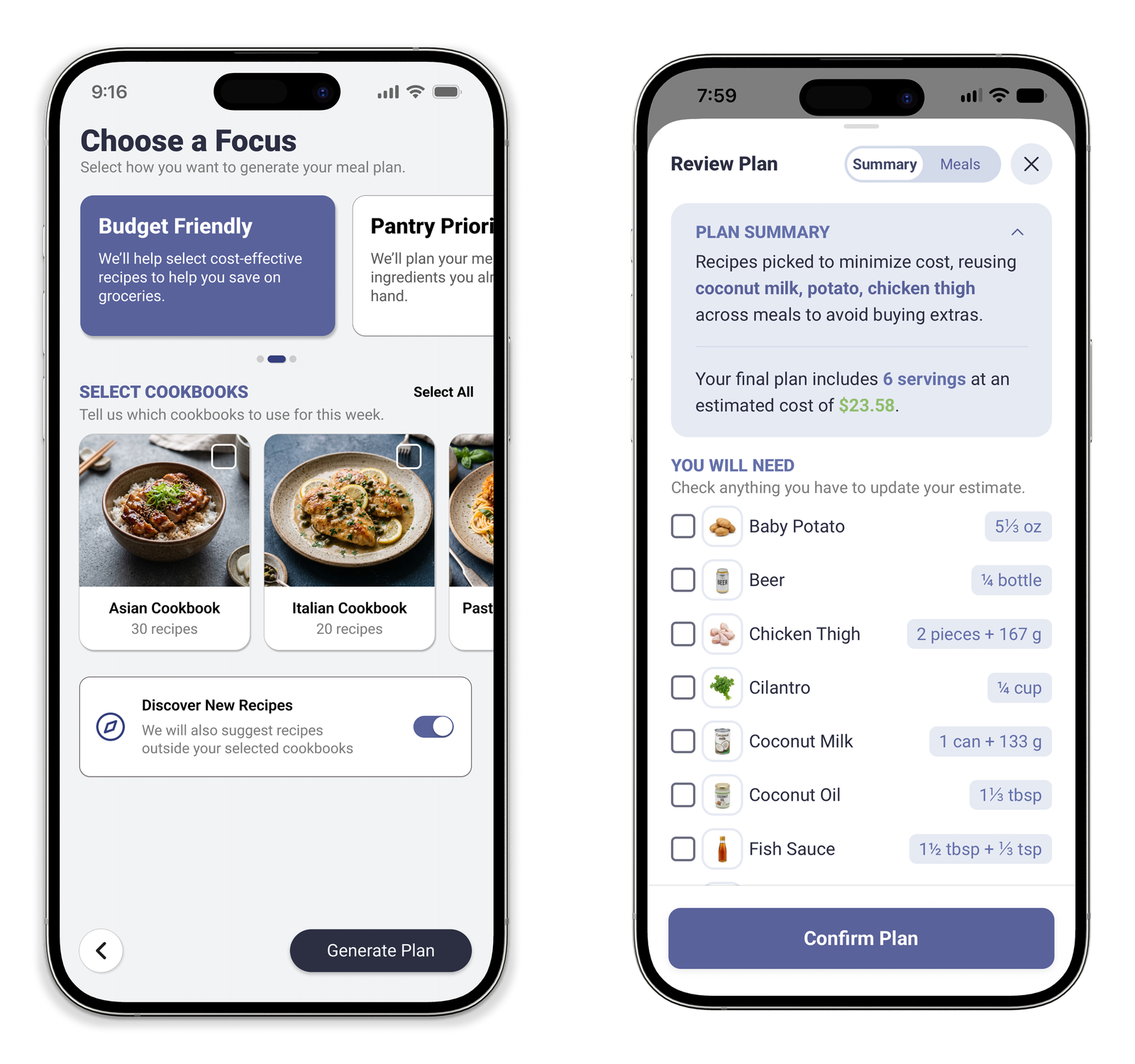
That is how IngrediPal works. It picks recipes that keep grocery costs down and reuse ingredients across the week. Because it already knows your pantry, the estimate you see before accepting the plan counts only what you still need to buy, and it shows how much the food you already own is saving you.
Every recipe shows what it costs, too. If one dinner is pushing the total up, swap it out before the plan goes on your calendar.
Let the plan write your list
This is where the connections start to pay off. The list comes straight from the plan, skipping everything your pantry already covers, so you do not grab another bottle of soy sauce out of habit. Ingredients that show up in several recipes merge into one line, so two recipes that call for chicken thighs become a single line with the total.
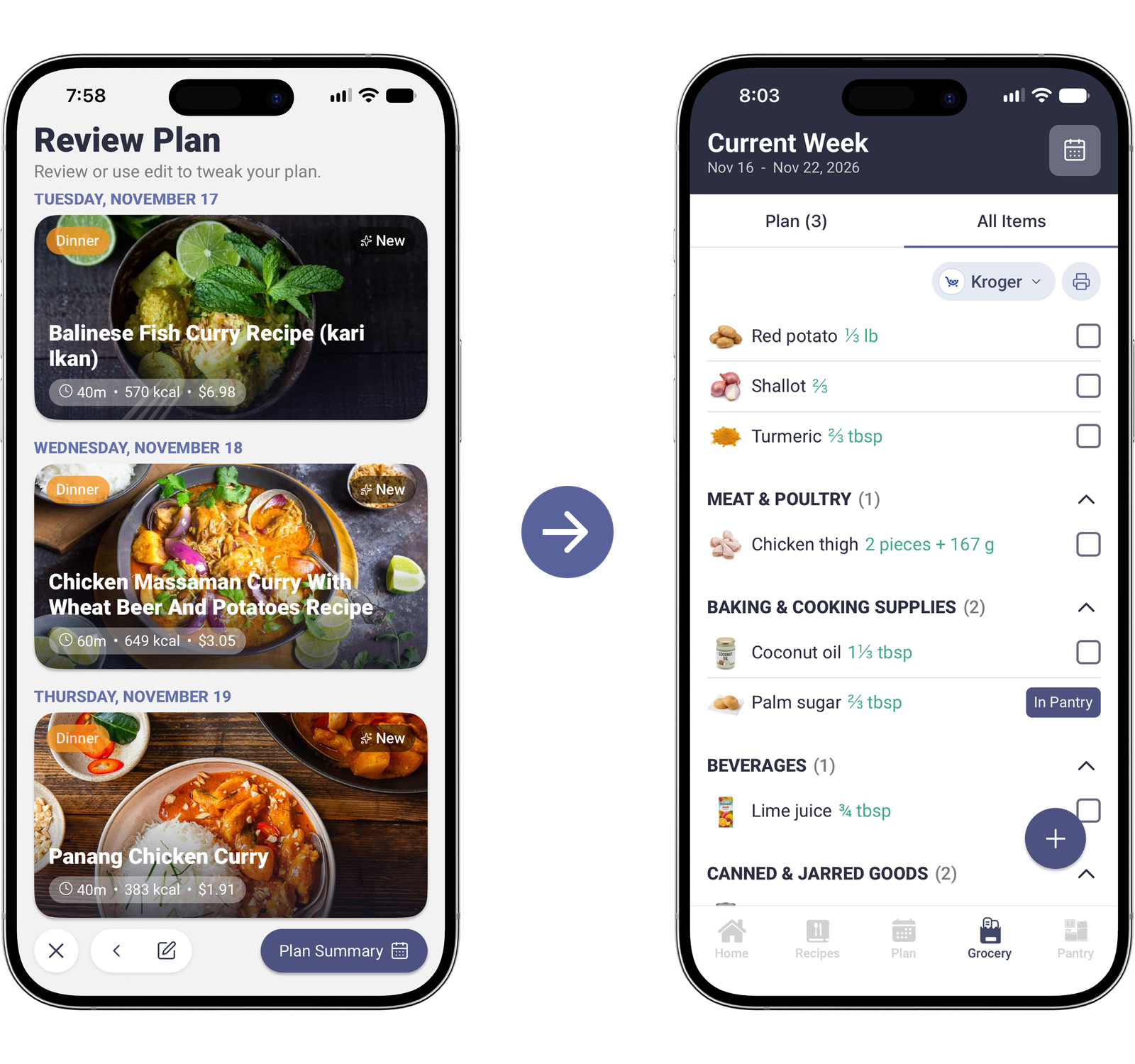
As your plans change during the week, the list stays perfectly in sync. If you decide to swap a meal or cook for six people instead of four, the list updates itself so you never have to start from scratch.
Group the list by your store aisles and you will spend less time wandering the store, which is usually when extra things end up in the cart.
Cook what expires first
Food you throw away is money you already spent. The things you bought this week now carry expiry dates, either from the printed date on a scanned package or from a suggested good until date based on where you store them.
Check the expiring soon group before you decide what to cook tonight. If the chicken thighs have two days left, they go in tomorrow's dinner, and the frozen salmon can wait. When you generate next week's plan, the app builds it around whatever is left.
Close the loop at checkout
Once you cook through the week, your next shopping trip starts the cycle again. Scan the receipt and your pantry restocks for the next plan, and the same scan records what you paid.
Over a few weeks, that gives you a clear picture: what you have spent this month, how it compares with last month, and your average spend per trip. Each item also keeps its own price history, so you will notice when your usual coffee quietly starts costing more.
You do not have to guess whether planning is working. Your own numbers show it.
Start with one week
Each of these habits saves a little on its own. Together, they cover each other's gaps: your pantry makes the plan cheaper, the plan makes the list shorter, and the receipt keeps your pantry accurate for next time.
You do not need to change everything at once. This week, generate one budget friendly plan, shop from its list, and scan the receipt when you get home. Next week, compare what you spent with your usual trip.